Some Android apps feel boxed in on small screens. That is why many users search for how to download apps on PC while juggling phones that overheat or lag. Android apps cannot run directly on Windows or macOS, so an emulator becomes the middleman. MemuPlay fills that role by recreating an Android environment inside a desktop system. This setup sounds fancy, but the goal is simple. Give mobile apps more room to breathe. Now, let’s see why running Android apps on PC is better than on your smartphone. Also, find out how to run the apps on PC.
Why Screen Size Changes Everything
Small displays limit how much data an app can show at once. On PC, that restriction disappears almost instantly. Dashboards, timelines, and menus are spread out instead of stacking. This improves clarity and reduces constant scrolling. Apps built for reading, editing, or monitoring data gain the most. Text becomes easier to scan. Controls stop overlapping. It feels like moving from a cramped desk to a full workstation.
Performance Gaps Between Phones and PCs
Phones balance performance against battery life. PCs do not play that same game. Desktop CPUs and RAM handle sustained loads without throttling. Apps that slow down on phones often stabilize on a PC. Background tasks also behave better. Multiple apps can stay active without choking resources. This matters for monitoring tools and communication apps. Stability becomes predictable instead of fragile.
Input Precision That Still Matters More Than You Think
Touch input works well for short actions. It struggles with precision tasks. Mouse and keyboard input on PC fixes that instantly. Dragging, selecting, and typing feel controlled. Apps involving design, data entry, or configuration benefit here. One mis-tap on a phone can derail a task. On PC, accuracy improves without extra effort. Less frustration follows.
Why Some Apps Feel Limited on Mobile

Mobile operating systems restrict background activity. This protects batteries but hurts certain apps. Automation tools and file managers often feel clipped. PC environments lift many of those limits. Storage access also changes. Phones hide file systems behind layers. PCs expose directories clearly. Apps gain better file handling through emulation. Control feels less restricted.
How Android Emulators Bridge the Gap
Android emulators recreate mobile system calls on desktop hardware. Apps think they are running on a phone. MemuPlay handles this translation smoothly. It assigns CPU cores and memory directly. This setup gives users control. Resource allocation can be adjusted. Performance tuning becomes possible. That flexibility keeps demanding apps steady.
Running Android Apps on PC Using MemuPlay
MemuPlay installs like standard desktop software. After launch, users sign in to the Play Store inside the emulator. Apps install normally without special steps. The process feels familiar. Once running, apps open in windows. Keyboard mapping replaces touch gestures where needed. Settings allow performance tweaks per app. This keeps long sessions stable. Installing Android apps on a PC is not a shortcut. It is a response to real technical limits on mobile devices. Larger screens, stronger hardware, and precise input make a difference. Emulators simply unlock that potential. For many users, that shift feels overdue.


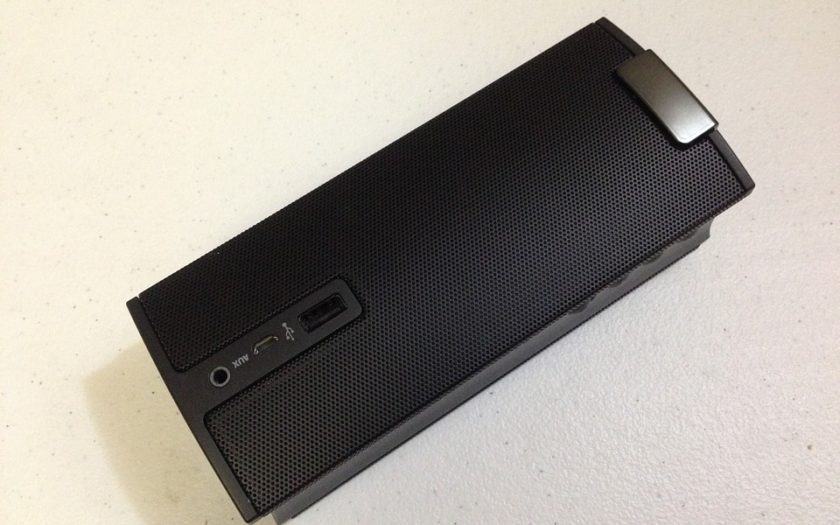
 It is crucial to understand that soundbars improve the sound quality of your television. They contain various speakers in one, and they are fitted to one another to come up with a surround sound. You will receive a psycho-acoustic effect from these speakers to help the sound bounce off the wall and offer the bass and punch you want to enjoy in your movies and music. Therefore, this should be one of the main factors you need to consider when shopping for these speakers.