

In today’s fast-paced digital age, online shopping has become second nature for many consumers. The convenience of browsing, comparing prices, and making a purchase from the comfort of one’s home has revolutionized how we approach retail. However, with this convenience comes an increase in cyber threats, scams, and fraud. Knowing how to shield yourself while shopping online isn’t optional—it’s vital. Staying alert and applying sound safety strategies helps safeguard your data, identity, and finances. By incorporating smart behaviors and using trustworthy platforms, you can enjoy the benefits of e-commerce with fewer worries. Below are six effective practices that can significantly minimize risks and help you enjoy a safer shopping experience across various online platforms and services.
Shop Only From Trusted Websites
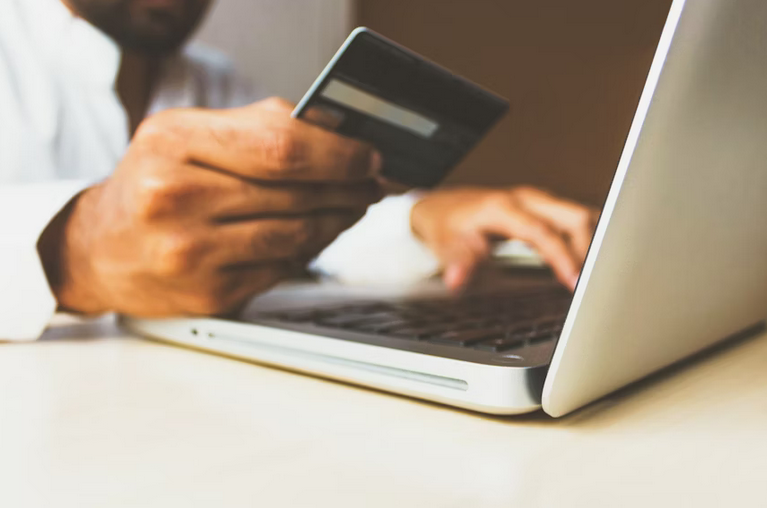
One of the most basic yet often overlooked safety practices is to buy from reputable and verified websites. Well-known retailers usually have built-in security systems that protect your personal data and payment details. Look for signs such as a secure HTTPS connection and recognizable payment options. Avoid unfamiliar sites that offer unbelievable discounts or appear hastily designed. Stick with platforms that have clear contact information, return policies, and customer reviews. These indicators often reflect a company’s legitimacy and reliability.
Use Strong, Varied Passwords
Using a single password across multiple shopping platforms leaves your accounts vulnerable. If one site is compromised, hackers may access your data on other accounts. Creating distinct, complex passwords for every online retailer is a simple but powerful way to block unauthorized access. Incorporate upper- and lowercase letters, numbers, and symbols. Consider having a reliable password manager to track different credentials without sacrificing convenience.
Activate Two-Factor Authentication
Two-factor authentication or 2FA offers an additional layer of protection beyond your password. When enabled, it needs a second form of identification—often a code sent via SMS or an authentication app—before access is granted. This additional step helps prevent cybercriminals from entering your account even if they’ve cracked your password. Many e-commerce platforms now offer this feature, and using it significantly strengthens your online defenses.
Avoid Public Wi-Fi for Transactions

Public Wi-Fi might be convenient, but it poses serious risks when used for financial transactions. These networks are often unencrypted and can expose your sensitive data to cybercriminals lurking nearby. If you must access shopping platforms while on the go, consider using your mobile data or a secure Virtual Private Network (VPN). This reduces the chance of your login credentials or payment details being intercepted.
Monitor Financial Statements Regularly
Regularly checking the bank and credit card statements can help you detect unauthorized transactions early. Look out for small, unrecognized charges—they may be test payments by scammers gauging if your card is active. Report any unfamiliar activity to your bank or credit card provider immediately. In some cases, quick reporting can stop further misuse and potentially recover lost funds.
Be Wary of Phishing Attempts
Cybercriminals often disguise malicious links or fake websites as promotional emails or limited-time offers. These messages may look genuine but are designed to harvest your login details or payment information. Always double-check the sender’s email address and avoid clicking on suspicious links. Instead of following the link directly, manually type the store’s official URL into your browser. Also, resist downloading attachments from unknown sources, as they could carry malware.
Staying protected while shopping online doesn’t require elaborate tools or technical knowledge—it comes down to smart decision-making. By adopting the six practices outlined above, you can drastically reduce your vulnerability and enjoy the benefits of online retail with more confidence. From choosing secure platforms to enabling protective features like two-factor authentication, every precaution adds to a safer shopping experience. Make these practices a part of your digital habits and stay one step ahead of online threats.

 Sentiment Analysis Brings Emotions to the Surface

 The Inskam app is a powerful tool that lets you turn your smartphone or PC into an endoscope camera. This innovative app can be used for a variety of purposes, from exploring the nooks and crannies of your home or office to inspecting the inner workings of machines and gadgets. One popular use case for the Inskam app is plumbing and electrical inspections. Instead of dismantling pipes or wiring, you can simply insert the endoscope camera and get a clear sight of what’s going on inside without causing any damage.
 Connecting your